How Token Creators Can Prepare for the 2026 Solana Price Cycle
Published: March 3, 2025, Author: MakeYourCoin
So, you've dipped your toes into the world of cryptocurrency, maybe even played around with creating basic ERC20 tokens. Now, you're looking for something with a bit more…dynamic. You want to explore the advanced features of token creation. Well, you're in the right place! Today, we're diving into how you can create an ERC20 Advanced token using the user-friendly MakeYourCoin app.
Imagine launching your own cryptocurrency in mere seconds, bypassing the usual headaches and technical hurdles. With MakeYourCoin, that dream becomes a reality. This incredible speed not only saves you precious time, but also positions you to capitalize on market trends instantly. Picture yourself, a savvy creator, launching a successful token that skyrockets in value, potentially paving the way to financial prosperity. That's the power of MakeYourCoin: turning your crypto vision into a wealth-building reality faster than you ever thought possible.
You might be wondering, "What's the difference between a basic ERC20 token and an advanced one?" Think of it like this: a basic token is a solid foundation, while an advanced token lets you build a custom penthouse on top. It gives you the flexibility to add extra functionalities, customize behaviors, and tailor your token to specific needs. Whether you're planning a complex reward system, a unique governance model, or something else entirely, an advanced token opens up a world of possibilities.
Just like with basic tokens, MakeYourCoin simplifies the advanced token creation process. You don't need to be a coding genius to leverage the power of advanced features. The app's intuitive interface guides you through each step, making it accessible even if you're not a blockchain expert.
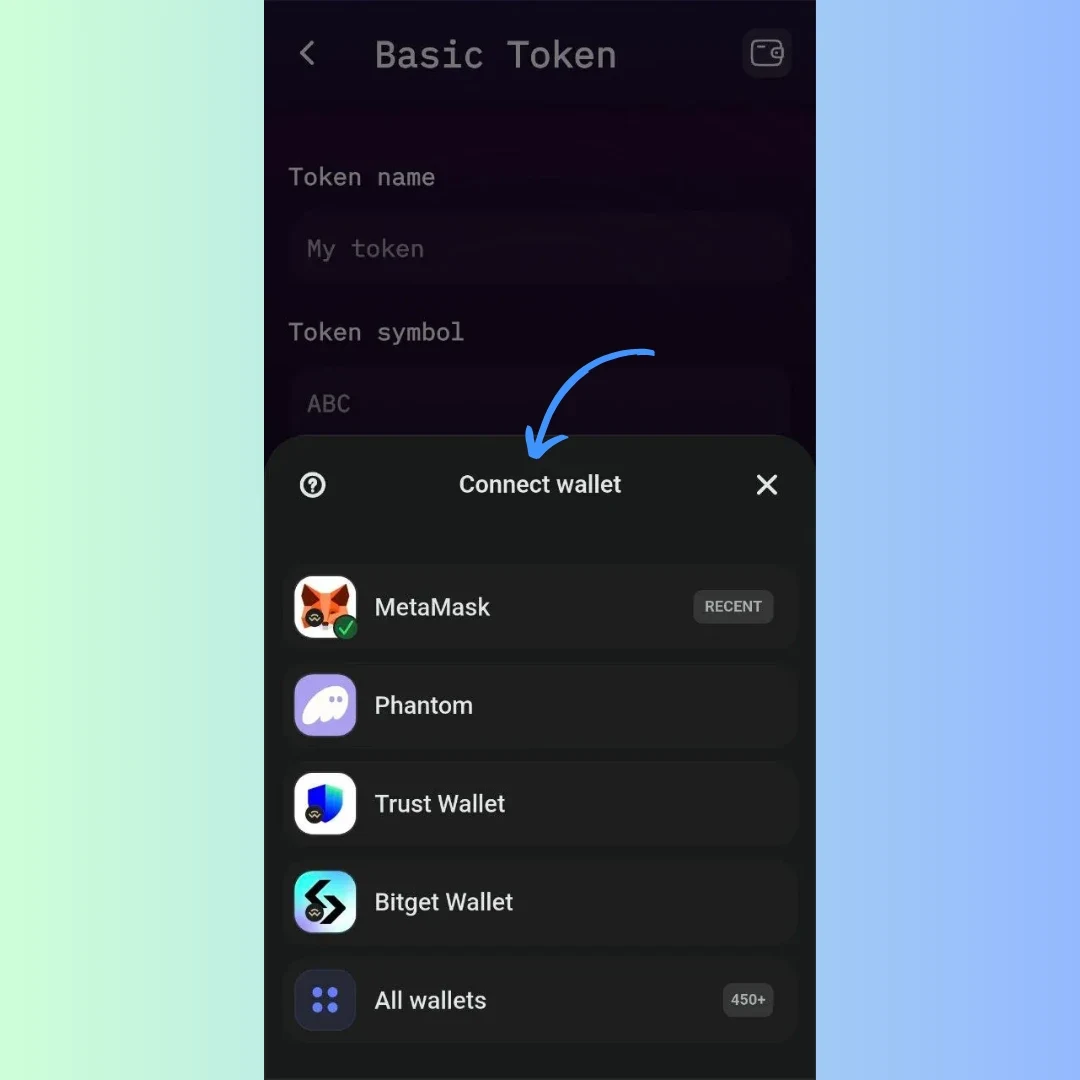
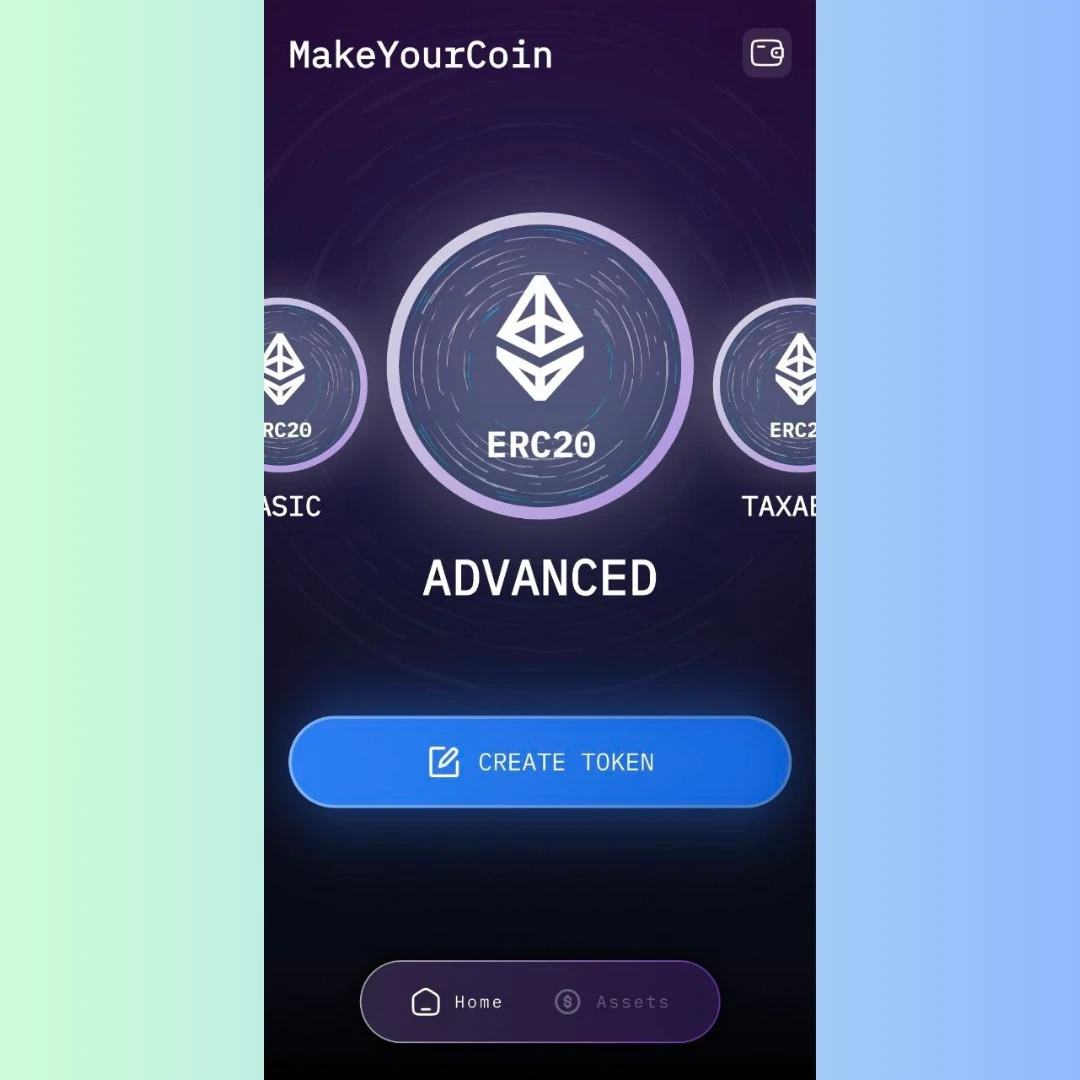 Define Your Token's Core Details:
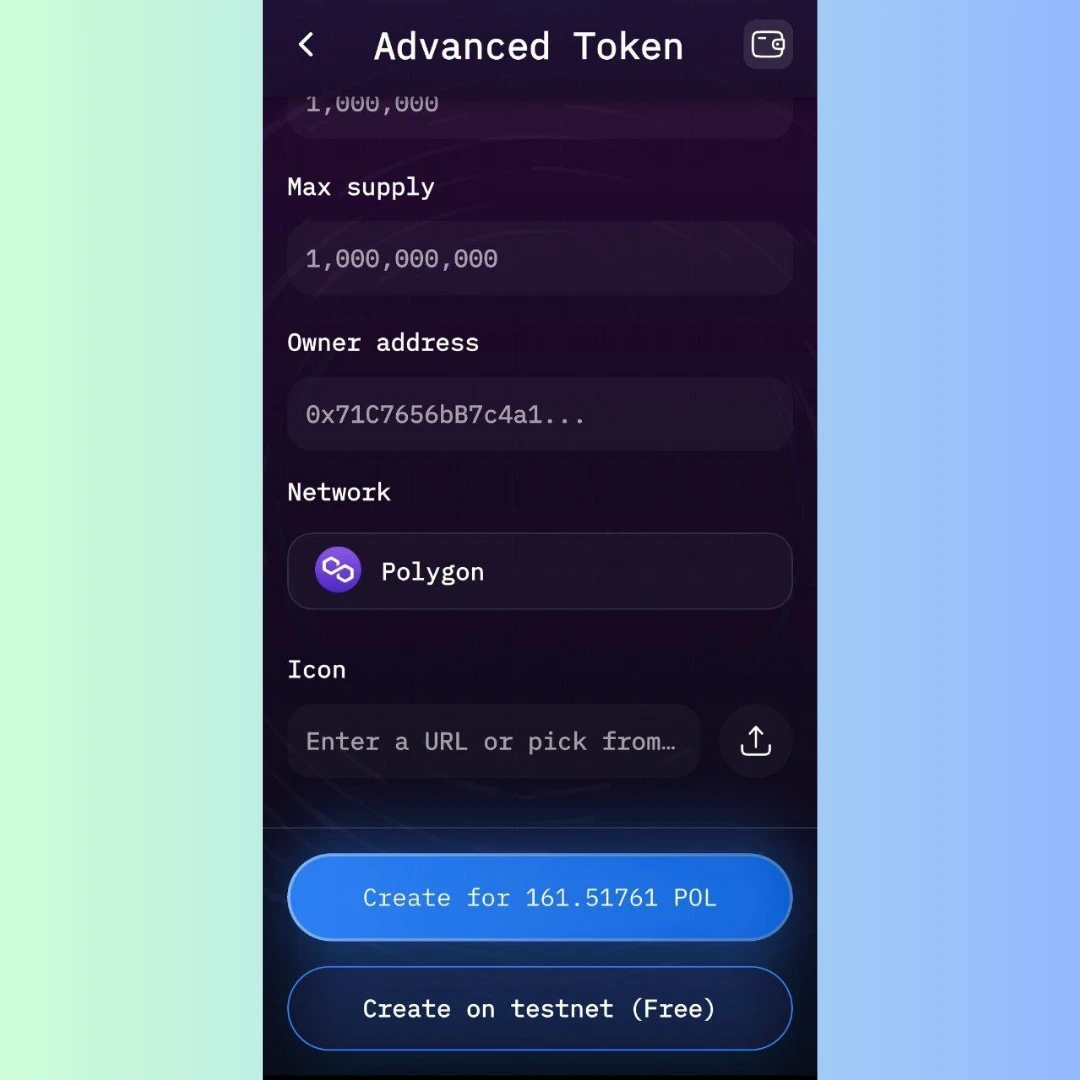 Pay the Transaction Fee (Gas): Ensure you have enough MATIC in your wallet to cover the gas fee.
MakeYourCoin provides tools to manage your advanced token after deployment. Explore these tools to leverage the full potential of your creation.
Creating an advanced ERC20 token might seem like a complex undertaking, but MakeYourCoin makes it achievable for anyone. By understanding the advanced features and following these steps, you can create a token that meets your specific needs and unlocks new possibilities. And what is the most important, it takes you under 60 seconds to create a token on our app.
Remember to plan carefully, test thoroughly, and stay informed about the latest developments in the blockchain space. Now, go forth and build something truly innovative!