How to Freeze or Unfreeze SPL Token Accounts with MakeYourCoin (for 0 SOL!)
Published: May 13, 2025, Author: MakeYourCoin
Creating a token on Solana is easier than ever with platforms like MakeYourCoin, but securing it for the long run is just as important. One of the best ways to do that? Make your token immutable — locking its configuration permanently so it can’t be tampered with.
In this guide, we’ll walk you through the exact steps to make your SPL token immutable using the MakeYourCoin app.
Start by downloading the MakeYourCoin app from the official website or your app store of choice.
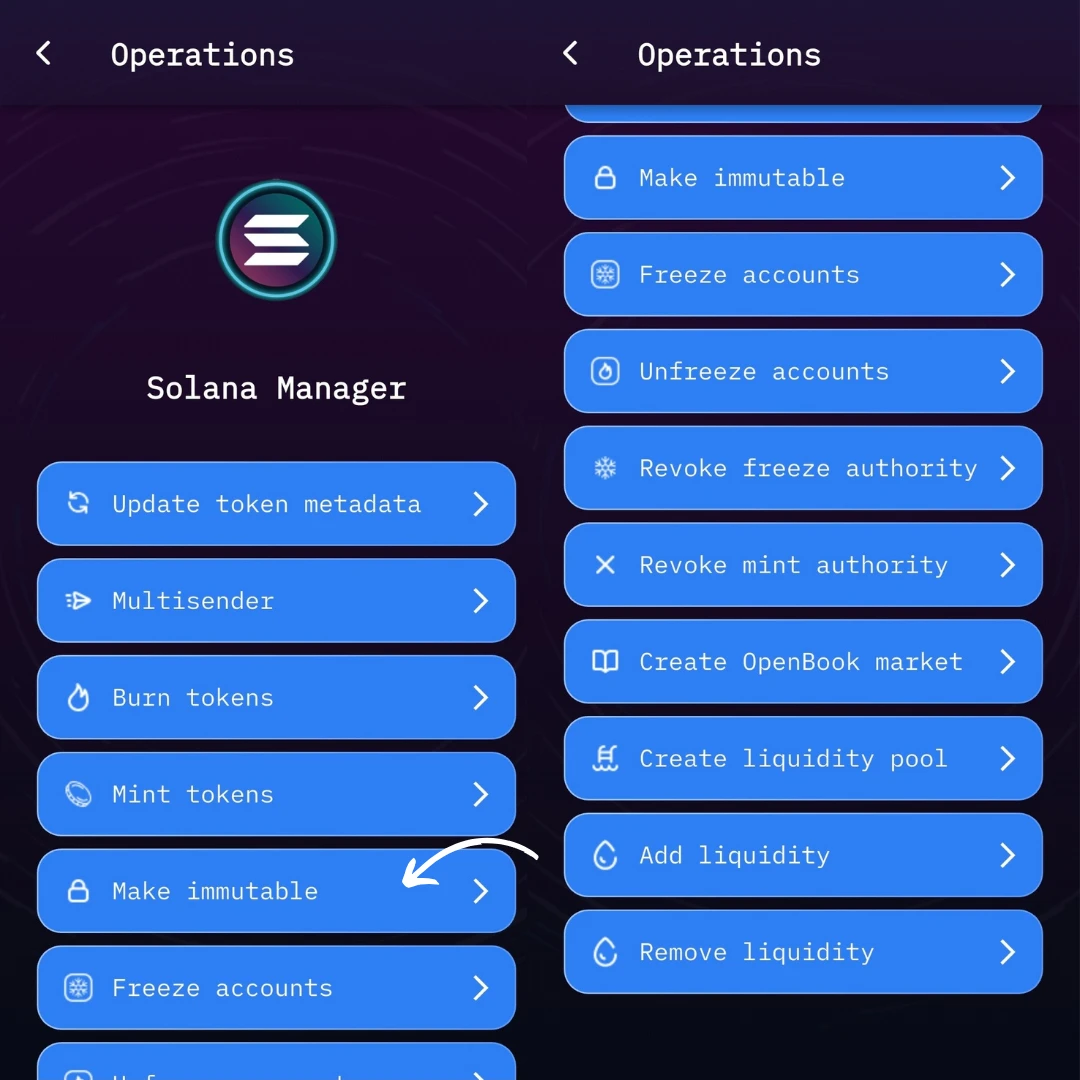
Once installed, launch it and make sure you’re on the home screen.On the homepage, you’ll see a feature called Solana Manager. Click on it — this is where all your Solana token tools are located.
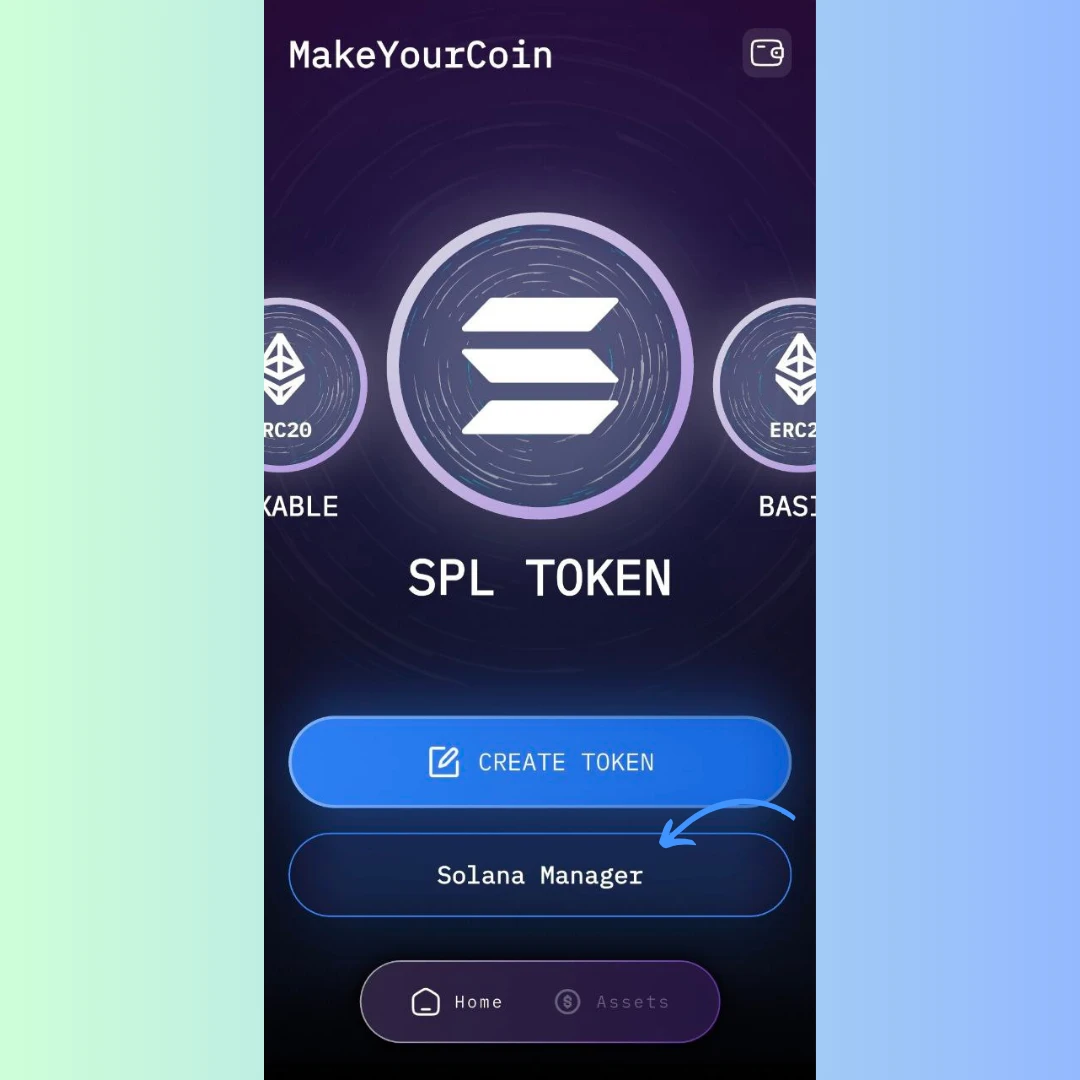
Inside Solana Manager, look for the Make Immutable button. This is your gateway to securing your token permanently.
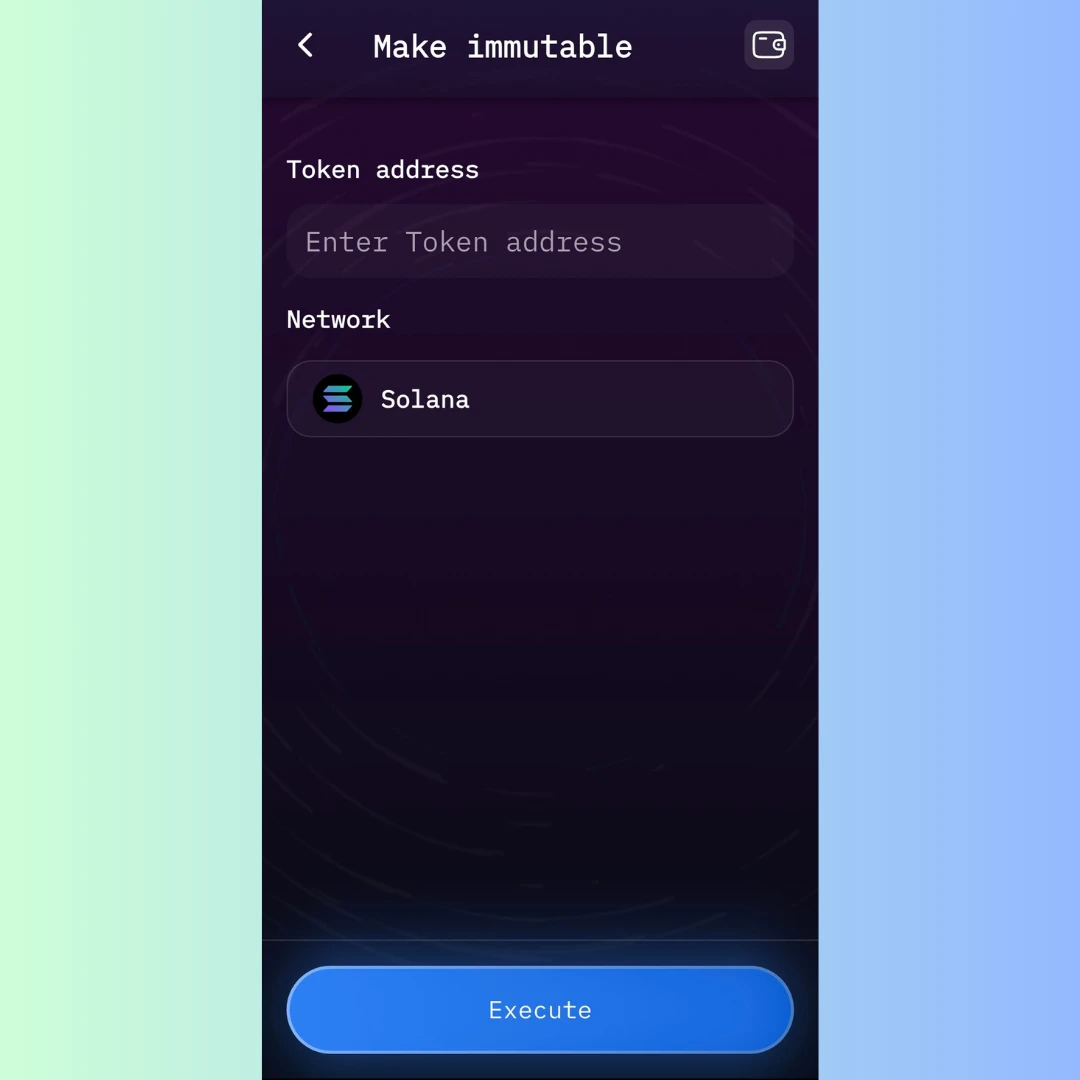
You’ll now see a simple form with only two fields:
That’s it — no coding, no complex inputs.
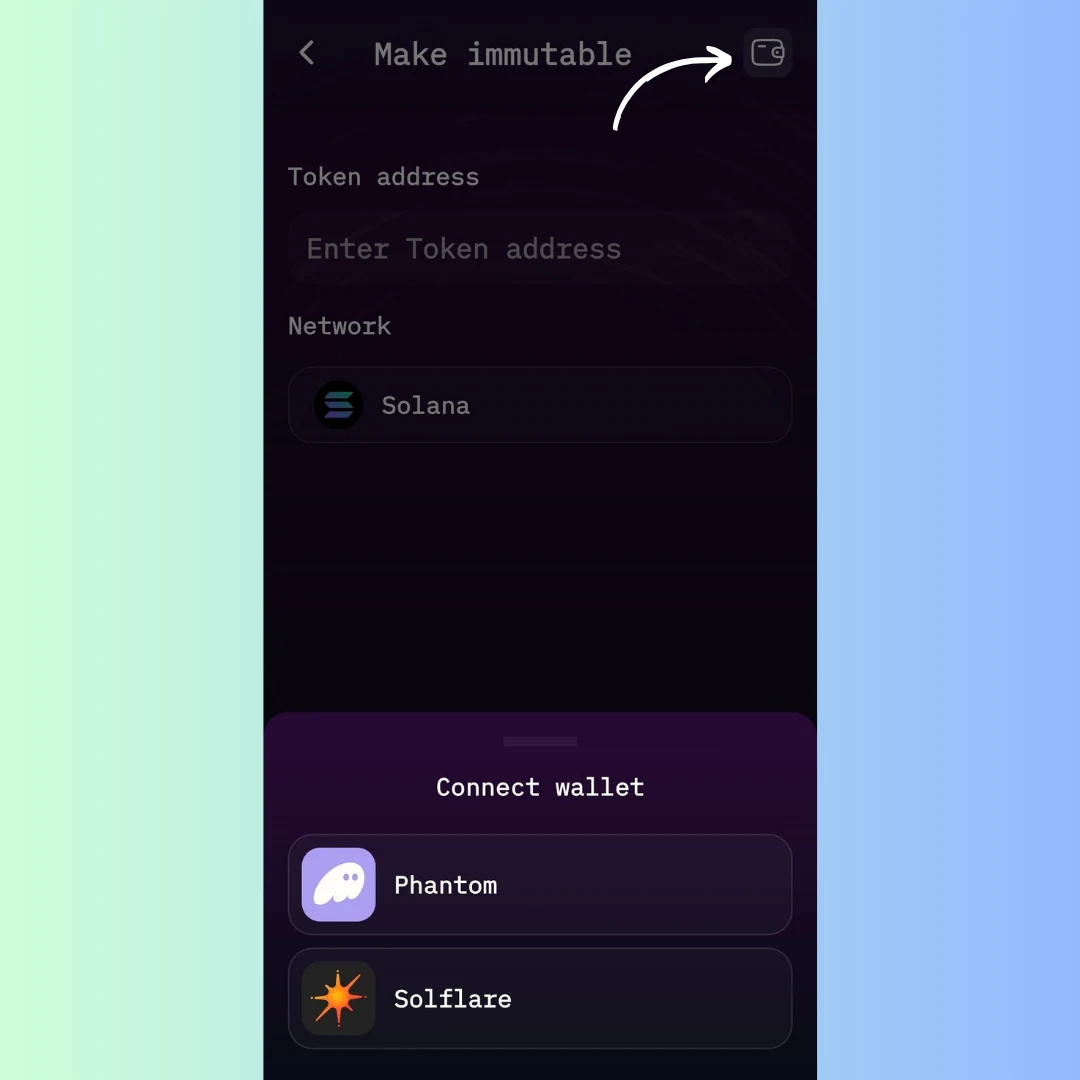
Before proceeding, make sure your Solana wallet is connected — either Phantom or Solflare are supported. This is required to authorize the transaction.
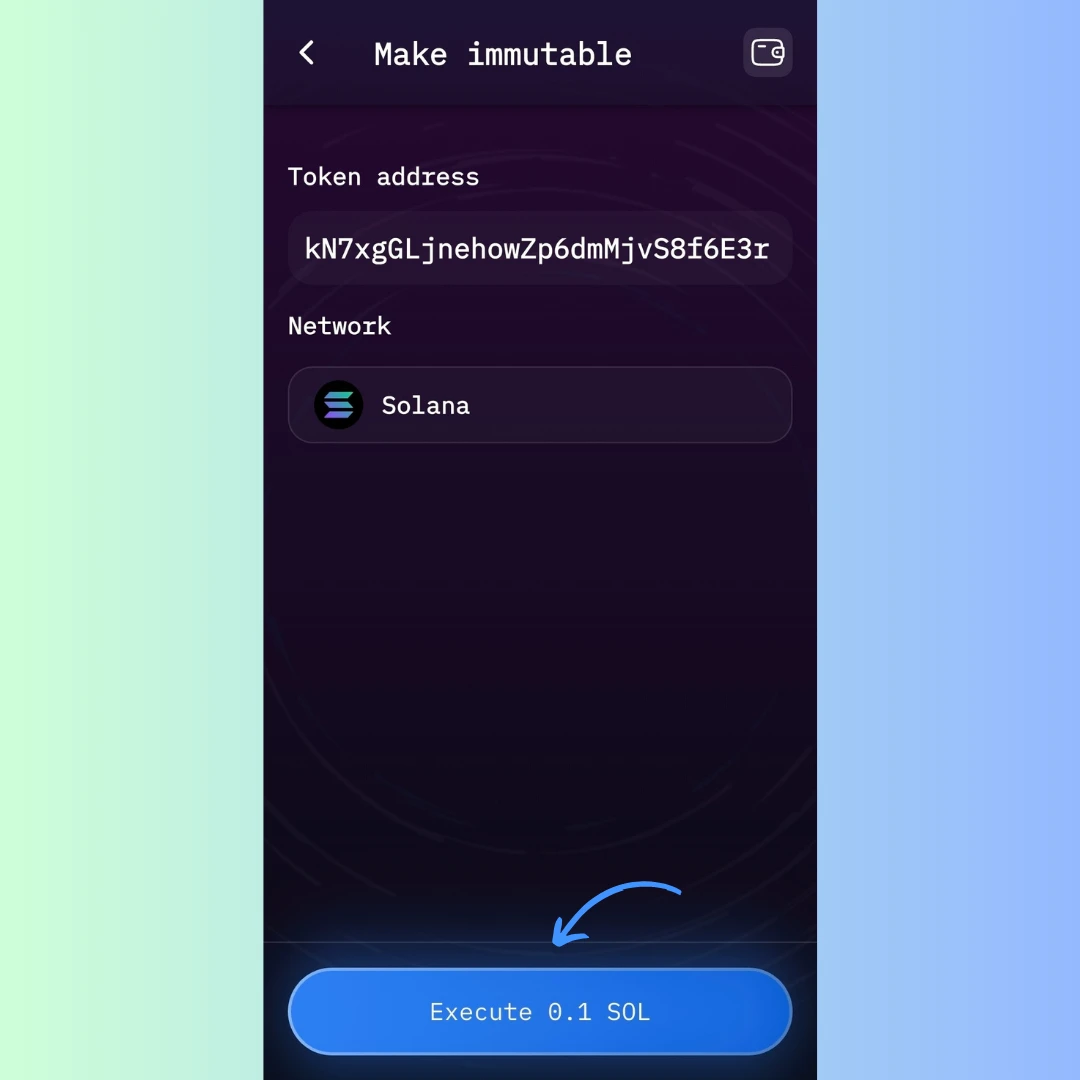
Once everything is filled in and your wallet is connected, click the Execute button. You’ll be prompted to approve a transaction for just 0.1 SOL.
Confirm it in your wallet — and you’re done!
After execution, the app will:
Your token is now immutable — a powerful move toward building trust with your community and securing your project’s future.
Ready to lock in your token’s legacy? Download MakeYourCoin and secure your SPL token in just a few clicks.